
Hermes is easier than OpenClaw (how I deployed mine on Hetzner)

After spending almost a week just to get OpenClaw up and running, I almost gave up on building my autonomous agent.
OpenClaw is great if you’re technical, but the entire experience is not friendly for non-coders like me.
So when everyone mentioned how easy it is to create a Hermes agent, I decided to try it out.
Instead of migrating my entire OpenClaw setup, I decided to build a new agent from scratch.
This meant having to source another VPS to host my agent (since my WiFi is unstable), and I decided to go with Hetzner.
So here’s the full process of how I deployed my Hermes agent to a Hetzner VPS:
Hetzner’s prices will increase in April
Before we start, just something to take note that Hetzner will increase their plans, starting from April.
Most of the cost-optimised plans (the one that I chose) are affected, and it costs ~ $1.50 extra per month.
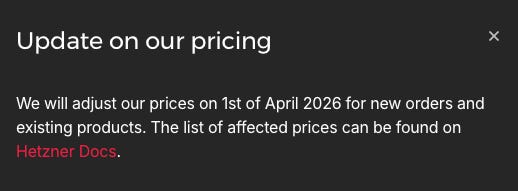
Hetzner still provides one of the cheapest plans for hosting a VPS, so it’s a good low-commitment way to try out an OpenClaw deployment.
Registering for an account
I followed Digital Benjamins’ video, which provided a great overview on installing OpenClaw through a VPS.
It included some good security tips that I didn’t use for my initial OpenClaw setup on Tencent Cloud.
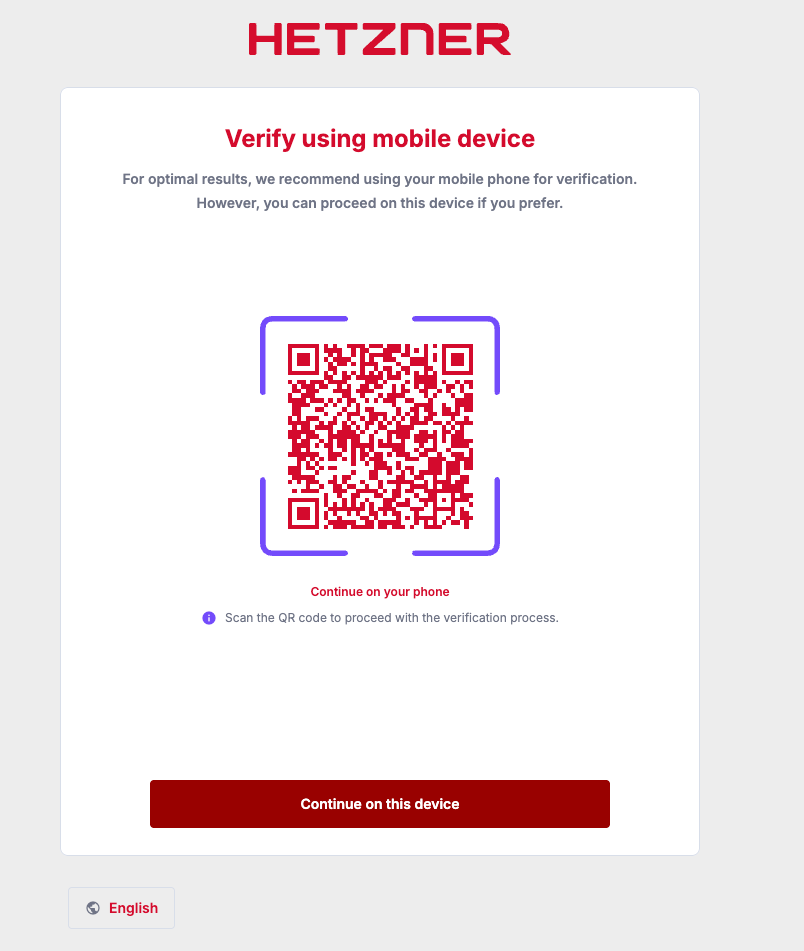
But to create an account, I had to verify via KYC, so that’s something that may stop you from signing up.
Purchasing a plan
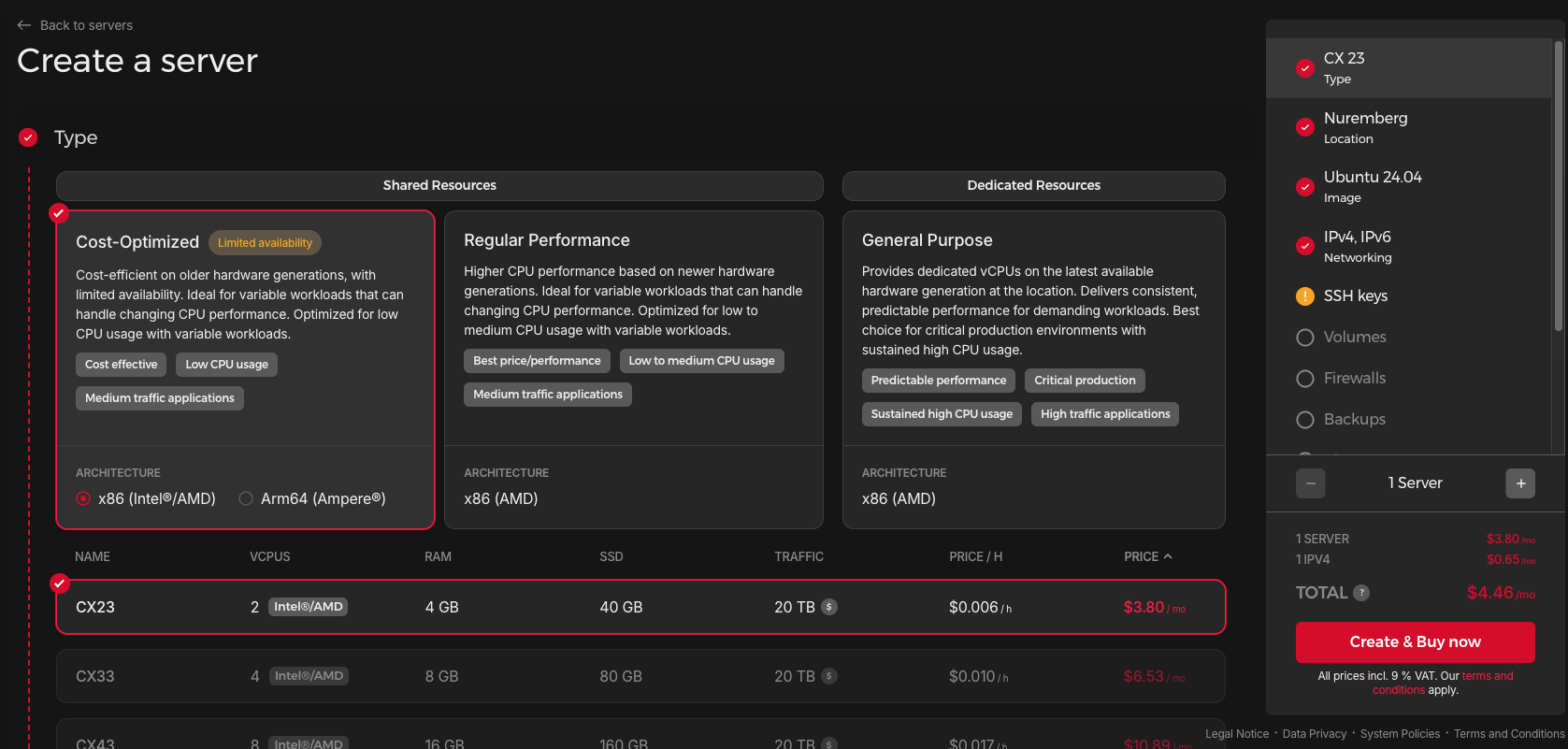
I chose the cost-optimised plan at 4GB RAM that costs me $4.46/month (which will increase in April).
I followed Benjamins’ guide to generate an SSH Key, which allows me to log into my VPS directly from my Mac’s terminal.
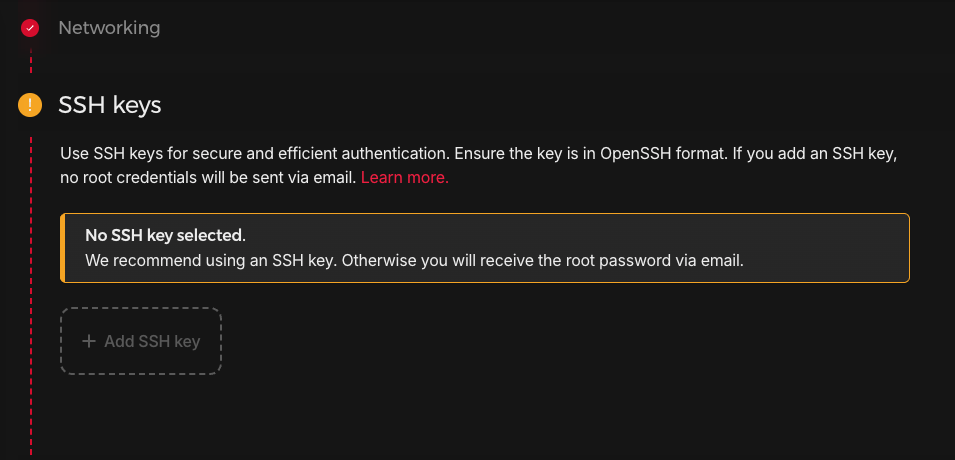
I got ChatGPT to help me with this portion to generate an SSH key on my desktop.
I used this command via the Terminal to create my key,
ssh-keygen -t ed25519 -C "your_email@example.com"before using this guide that I created to connect it to Hetzner.
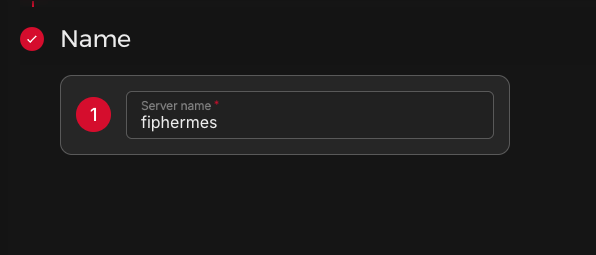
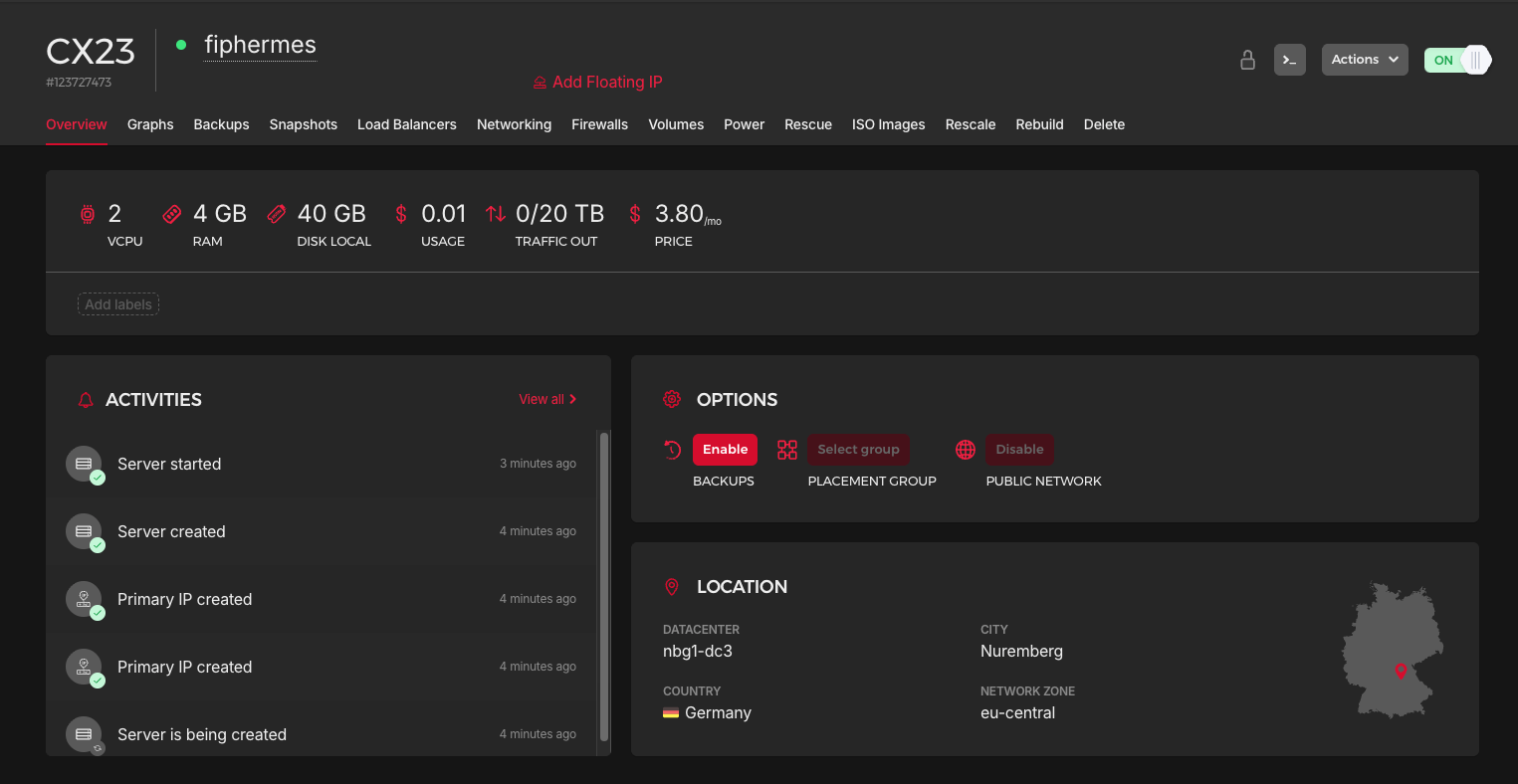
This created my server, and I had to copy the IP address (this is something you need to secure and not share it with anyone).
I went to my terminal and entered this command:
ssh root@<YOUR_IP>After entering the passphrase (which I set inside Hetzner), I could access my VPS via Terminal in the root account.
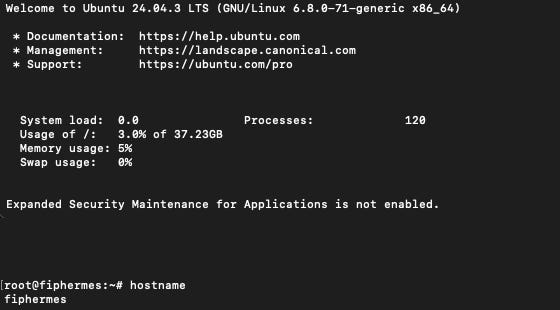
This is not a good security practice since root access is very powerful (if it goes into the wrong hands), so I followed Benjamins’ advice and created a new user to install my Hermes Agent there instead.
You could follow the guide here on how to do something similar too.
Setting up Hermes on Hetzner
With this new user, I started the setup wizard for @NousResearch’s Hermes.
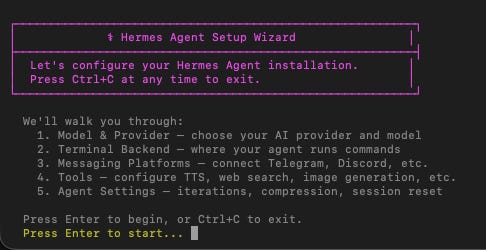
If you used OpenClaw before, the experience is somewhat similar.
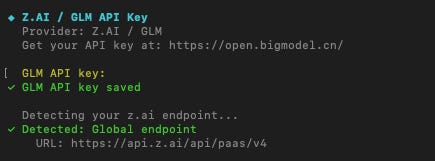
I’m using my @Zai_org Coding Lite plan, where I generated an API key,
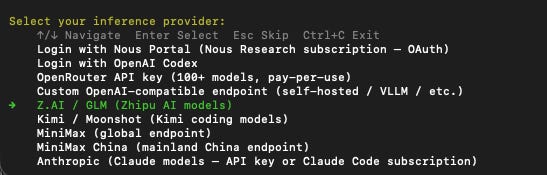
and added it to Hermes.
I tried to install Docker, but I wasn’t sure what I should be doing here, and I decided to skip this step.
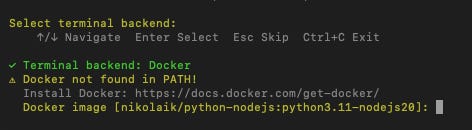
I plan to ask my bot how to add the docker in future.
Since I’m already familiar with the Discord workflow after doing it multiple times with OpenClaw, I created a Discord bot instead of Telegram or Slack.
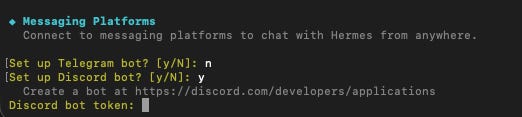
There are a few configurations, and the full guide can be found here.
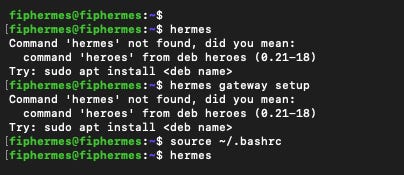
I had to reload my bash first, as the hermes command didn’t work before that,
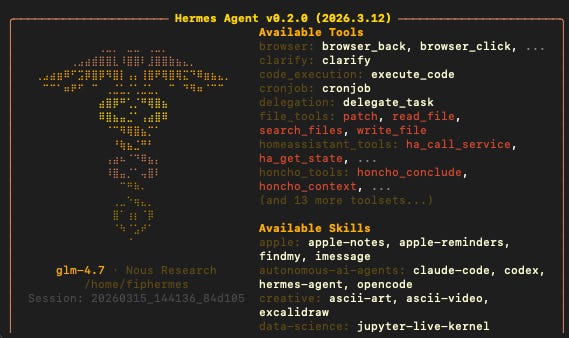
and I finally launched my Hermes agent with glm-4.7 as the LLM.
Troubleshooting my Discord bot
I tried posting a test message on Discord, which failed, but I liked how the hermes command brought up a chatbox that I can instantly talk to the LLM.
Instead of OpenClaw’s openclaw tui command.
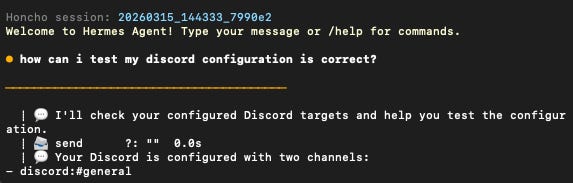
I asked GLM to troubleshoot my configuration, and the test showed that it worked.

What I realised was that the Discord bot would only respond if I mentioned it on Discord. Leaving the message blank was not enough, and I had to write something like ‘hi’ before it finally worked.
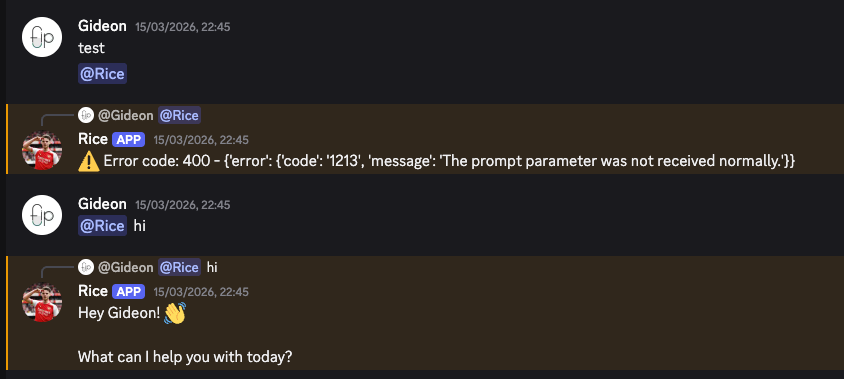
Going back to Hermes’ docs, I realised it’s because the REQUIRE_MENTION variable is on by default across all channels, so I got my Discord bot to remove it entirely.
Troubleshooting my GLM connection
While I was installing @okx’s Agentic Wallet, I suddenly faced an insufficient balance error, even though I did not hit the rate limits for my Coding Lite plan yet.
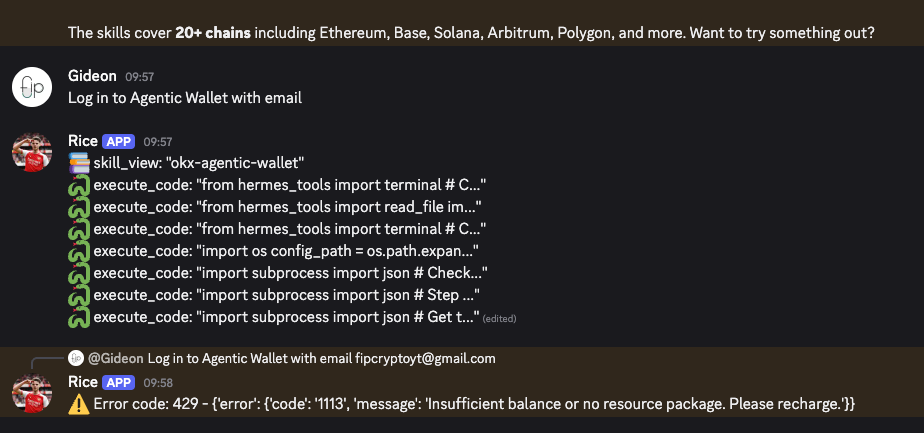
This led to a frustrating 3 hours of troubleshooting everything,


and here’s what finally worked for me:
Instead of using the Z.AI option in the models page, I switched over to the custom endpoint.
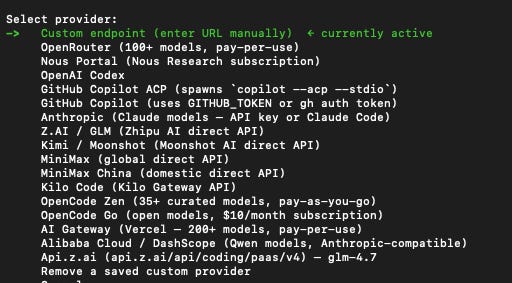
I used the coding endpoint instead of the normal one, https://api.z.ai/api/coding/paas/v4, and it finally worked.
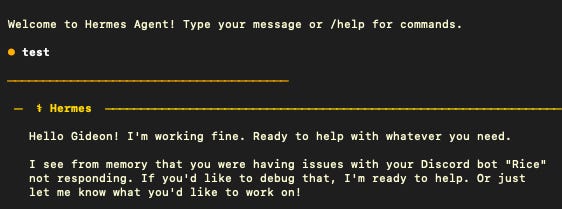
So here’s a troubleshooting tip if you’re facing the same problem as I did.
Why are you even using Hermes?
So what’s even the point of having a Hermes agent?
For me, I want to take advantage of its persistent memory that seems to build on OpenClaw’s MEMORY.md system, and create my own trading agent.

I was inspired by @RHLSTHRM’s post on building a 24/7 crosschain agent that:
Gets market data from the CoinGecko API
Swaps crosschain with @lifiprotocol
Executes gasless transactions with Pimlico + EIP-7702

I’m still in the process of building this out, as I want to generate a private key securely first using @PatrickAlphaC’s recommendations instead of storing it in plaintext in my .env file.


There’s so much to learn about building secure agents, and I’ll share everything I learn in the next few articles.
Feel free to use my referral link for GLM-4.7 to get a $10/month plan with 10% off.
You don’t need autonomous agents to use AI effectively
Maybe you read through this article and are completely overwhelmed about where to start.
There are so many steps to set it up properly, and many people will give up halfway.
I took a week just to get everything working, without building any useful Skills yet.
For most people, you don’t need a complex system right from the start.
Instead, all you need is to find one soul-sucking, repetitive task that you hate doing and outsource it to AI.
Start your journey by building a High-Signal Digital Brain and make AI work for you, instead of against you: